
Universal Attachment Previewer
Zen Reporter includes a Unified Attachment Previewer designed to inspect logs, console output, screenshots, videos, and arbitrary artifacts without leaving the test report context.
Overview
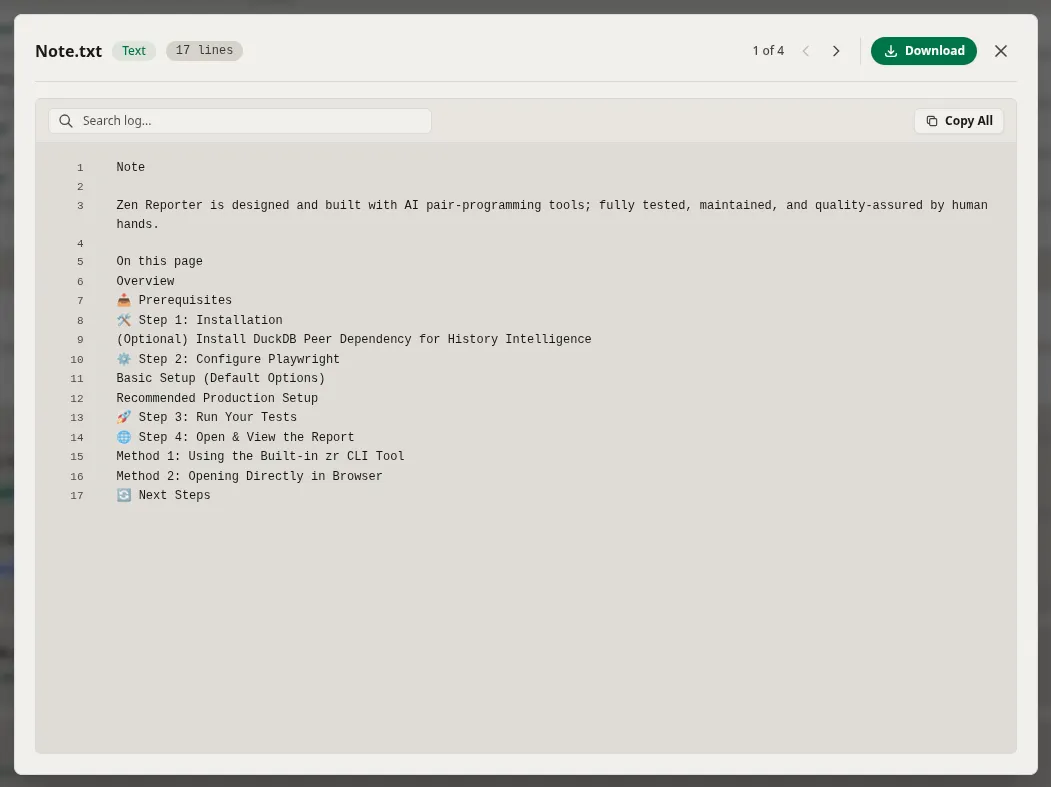
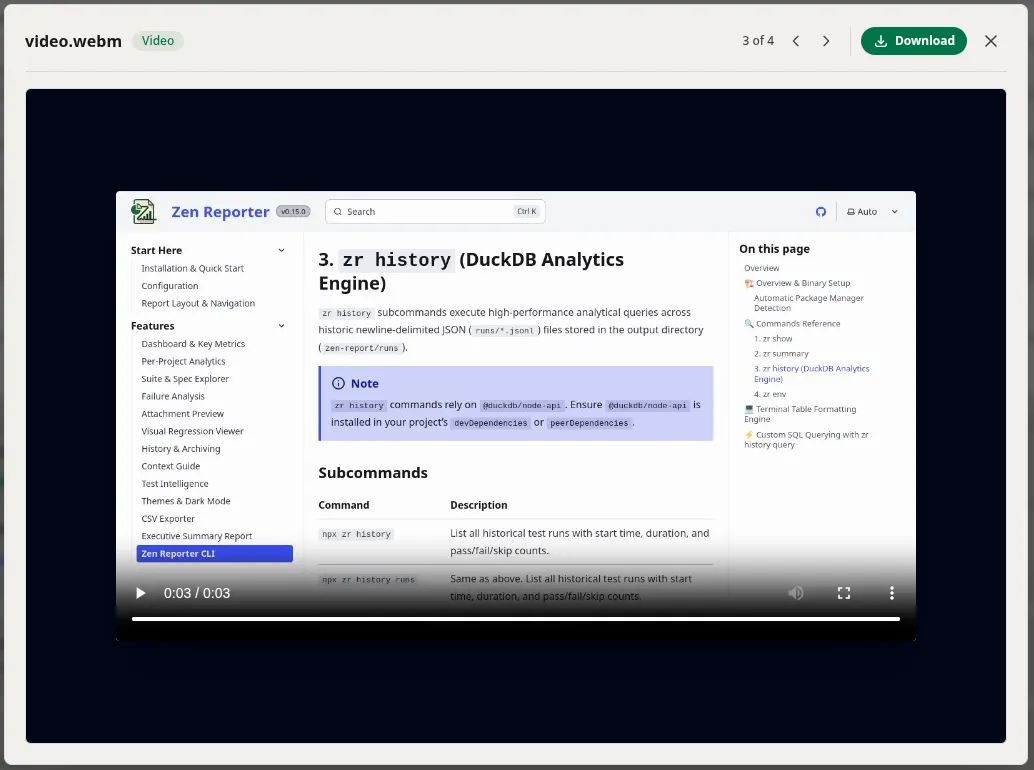
Section titled “Overview”The attachment previewer provides an integrated, accessible modal dialog powered by a base modal. The base modal dynamically routes attachments into specialized viewports depending on their MIME types and file extensions, providing rich interactions like line-numbered log filtering, image zoom/pan controls, media playback, and direct downloads.
- Multi-Format Inspection: Automatically parses stdout, stderr, image diffs, videos, and raw text logs into interactive viewers.
- Carousel Navigation: Step sequentially through test artifacts using keyboard arrows (left/right) or header controls.
- Instant Text Search: Filter log output with real-time text matching, preserving original line numbers.
- Lazy Fetching with SPA Resilience: Fetches raw remote assets on demand, safeguarding against invalid single-page application fallback responses.

Supported Media Types & Viewports
Section titled “Supported Media Types & Viewports”The preview modal maps each item to one of four preview viewports:
| Type | Detection Criteria | Supported Formats | Features |
|---|---|---|---|
| text | contentType: text/* or matching extension |
.txt, .log, .json, .csv, .html, .xml, .md, .yaml, .yml, .js, .ts, .jsx, .tsx, .css, stdout, stderr |
Line numbers, full-text search filter, 1-click clipboard copy, and lazy fetching. |
| image | contentType: image/* or matching extension |
.png, .jpg, .jpeg, .gif, .webp, .svg |
Smooth zoom (25% to 400%), mouse-wheel zoom stepping (±25%), zoom reset, and aspect preservation. |
| video | contentType: video/* or matching extension |
.mp4, .webm, .ogg, .ogv, .mov, .avi |
Autoplay with standard HTML5 video playback controls. |
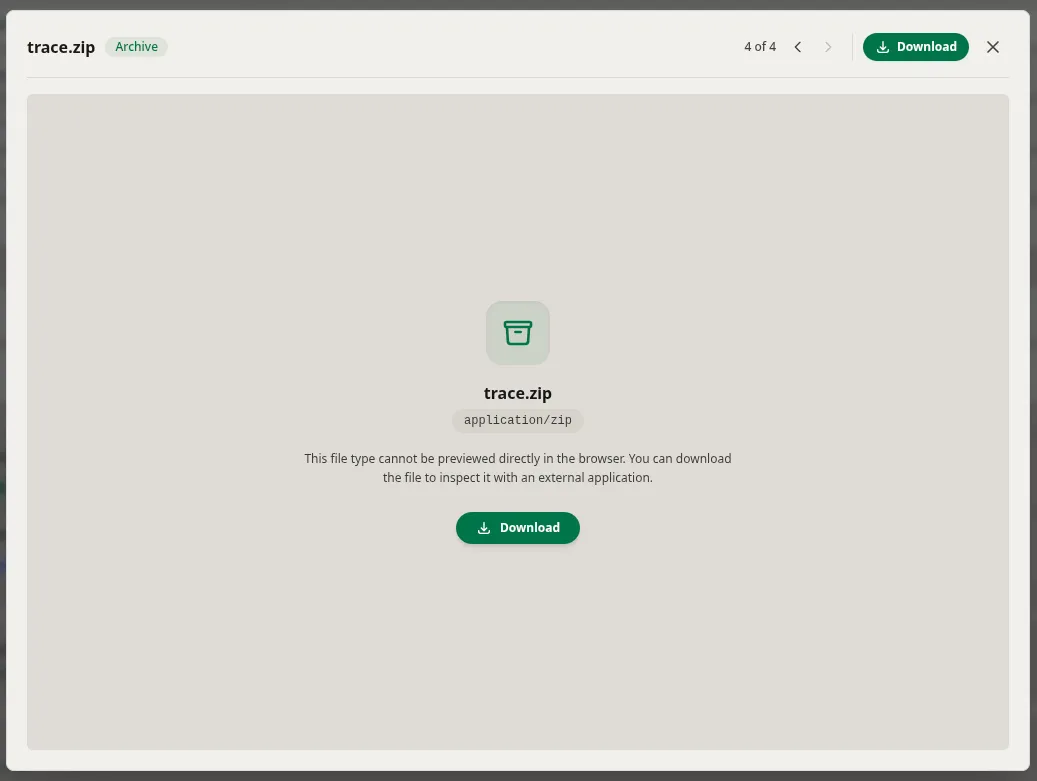
| binary | Fallback for non-text / unknown files | .zip, .tar.gz, .bin, .pdf, .wasm, etc. |
MIME-type badge, fallback explanatory prompt, and direct attachment download trigger. |
Key Features & Behaviors
Section titled “Key Features & Behaviors”1. Carousel & Keyboard Navigation
Section titled “1. Carousel & Keyboard Navigation”When multiple artifacts exist for an attempt (e.g. stdout, stderr, screenshots, traces):
- Use ← and → arrow keys to switch between adjacent items.
- Arrow navigation is automatically disabled while focusing on input elements (e.g., the search box).
- Switching items resets the zoom level back to
100%and clears active log search terms.
2. Log Line Search & Original Numbering
Section titled “2. Log Line Search & Original Numbering”- The search bar filters lines instantaneously.
- Preserves the original file line numbers in a gutter column so error references remain accurate even when filtered.
- Includes a 1-click Copy All button that copies all content lines directly to the system clipboard.
3. SPA Fallback Safeguard
Section titled “3. SPA Fallback Safeguard”When loading text logs lazily via HTTP:
- If a server serves an SPA
index.htmlfallback page for missing attachment paths (returningContent-Type: text/htmlon a non-HTML file), the viewer detects this mismatch: - Displays an inline error badge rather than rendering misleading SPA boilerplate inside the viewer.